
Microsoft’s advice about how much memory Windows users actually need is attracting attention again—and the timing could hardly be more interesting.
Microsoft has removed Windows Learning Center material that previously recommended 32GB of RAM as a “no-worries” option for demanding workloads. The deleted guidance had presented 16GB as a practical starting point for gaming and 32GB as the safer choice for people who game while also running browsers, Discord or streaming tools.
The disappearing recommendations do not change Windows 11’s official hardware requirements. Microsoft still lists just 4GB of RAM as the minimum required to install the operating system.
However, there is an enormous difference between the amount of memory required to technically run Windows and the amount most people would want in a new PC.
In 2026, that distinction is becoming increasingly important.
Microsoft Never Required 32GB of RAM
First, it is worth clearing up a potential source of confusion.
Windows 11 does not require 32GB of RAM.
Microsoft’s official Windows 11 system requirements continue to list 4GB of memory, 64GB or more of storage, TPM 2.0 and a compatible 64-bit processor.
The controversial 32GB figure instead appeared in Microsoft’s consumer-facing recommendations for particular workloads.
Earlier guidance positioned 16GB as a practical starting point for most gamers. Moving to 32GB was recommended for people who wanted additional capacity for demanding games, browser tabs, Discord, streaming software and other applications running simultaneously.
That advice has since disappeared from Microsoft’s Windows Learning Center. Windows Latest documented the removed pages and noted that their original addresses now redirect visitors elsewhere.
For PC buyers, however, the more useful question is not whether Windows can start with 4GB.
It is whether a new computer with 8GB is still a sensible purchase in 2026.
Is 8GB of RAM Still Enough for Windows 11?
For basic computing, it can be.
An 8GB Windows 11 laptop can still handle everyday tasks such as web browsing, email, video streaming, document editing and relatively light multitasking.
The problems begin when those activities happen simultaneously.
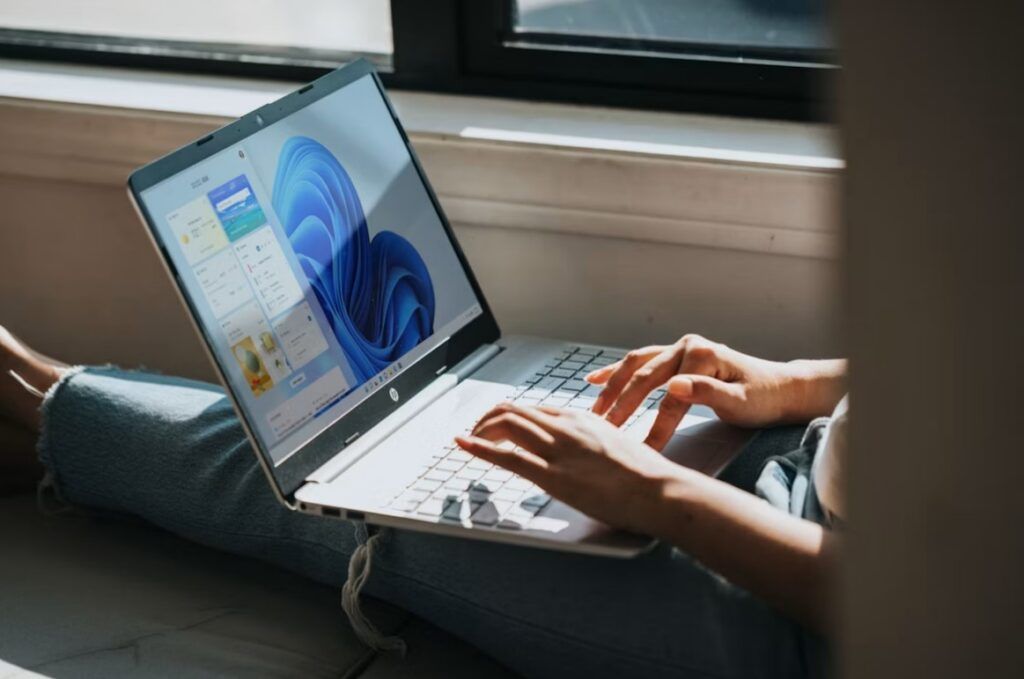
Modern browsers can consume substantial amounts of memory once numerous tabs are open. Add applications such as Microsoft Teams, Discord, Spotify, OneDrive, Adobe software or a game launcher running in the background, and an 8GB machine can start feeling constrained surprisingly quickly.
Windows also uses part of the available memory for background services, security tools, updates and system processes. Integrated graphics may reserve some of that memory as well, leaving applications with less than the advertised total.
When physical memory fills up, Windows can move some data to a page file on the storage drive. Modern SSDs make this considerably faster than it was with traditional hard drives, but even a fast SSD cannot match the speed of physical RAM.
Heavy reliance on virtual memory can result in:
- Slower application switching
- Background applications reloading
- Browser tabs refreshing
- Brief freezes or delays
- Reduced responsiveness during multitasking
For an inexpensive laptop primarily used for browsing, streaming and schoolwork, 8GB may remain perfectly serviceable.
For a primary computer expected to last several years, however, 16GB is a much safer starting point for most buyers.
People moving from an older operating system may also notice that modern Windows installations carry a heavier workload. TechLoot’s guide to getting the most from Windows 10 explains how startup applications and unnecessary background software can affect performance, and the same basic principles remain relevant under Windows 11.
Gaming Is a Different Story
Gaming makes Microsoft’s earlier 32GB recommendation easier to understand.
Many games can still run comfortably with 16GB, but the game itself is not necessarily the only application consuming memory.
A typical gaming PC might simultaneously be running:
- Windows 11
- Steam or another game launcher
- Discord
- A web browser
- RGB and peripheral software
- Recording or streaming software
- Antivirus and other background services
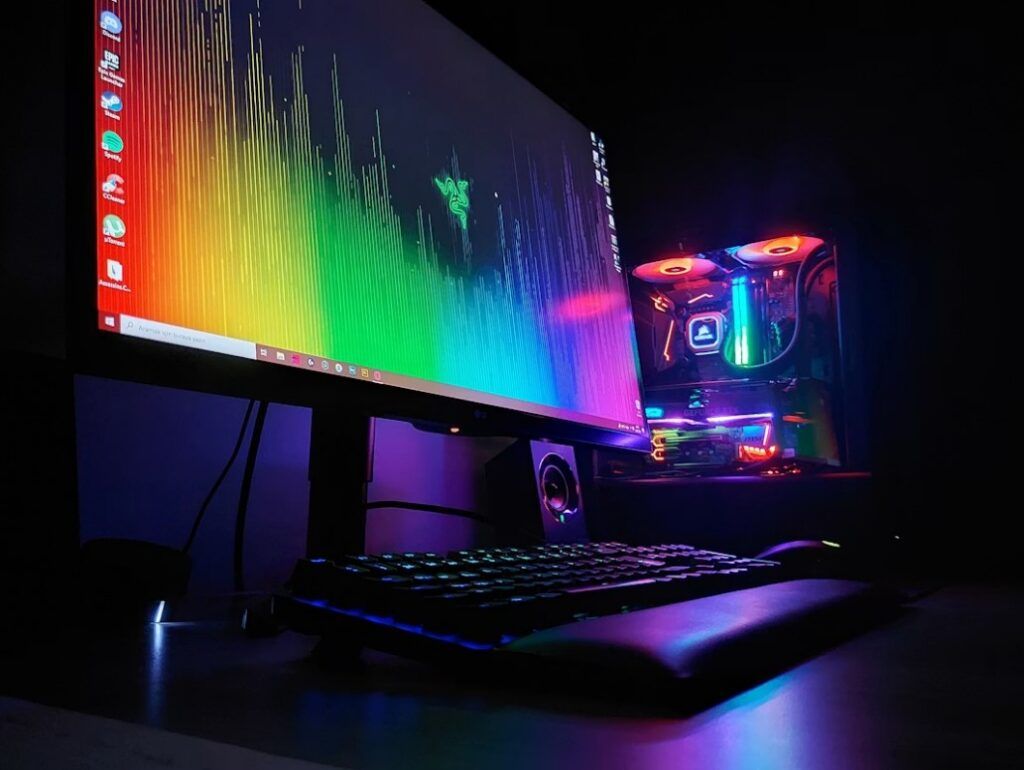
Add a demanding modern game, high-resolution textures or community modifications, and 16GB can suddenly become much less spacious.
That does not mean every gamer needs 32GB. Many popular competitive games remain relatively light on system memory, while the graphics card, processor and storage drive may have a greater influence on performance.
Nevertheless, 32GB has become an attractive configuration for enthusiasts building a new gaming PC. It provides more room for background applications and may prevent the need for another memory upgrade as newer games become more demanding.
The wider adoption of Microsoft’s latest operating system also makes this discussion increasingly relevant. Windows 11 has already surpassed Windows 10 among PC gamers, placing its resource requirements under greater scrutiny.
Individual game requirements can offer useful context. The PC version of Final Fantasy VII Rebirth, for example, lists 16GB of system memory across its minimum, recommended and higher-end specifications.
Gamers should therefore check the requirements of the titles they actually intend to play instead of choosing memory based only on a general Windows recommendation.
More RAM Does Not Automatically Mean More Performance
Installing additional memory is most beneficial when a system does not already have enough.
Moving from 8GB to 16GB can produce a noticeable improvement on a heavily used Windows PC because it reduces dependence on virtual memory. Moving from 16GB to 32GB can also help users who play demanding games, stream, edit content or keep many applications open.
However, increasing memory from 32GB to 64GB will not automatically improve gaming performance if the system was never using more than 32GB in the first place.
The speed and configuration of the memory can matter too. Two correctly matched modules may provide better memory bandwidth than a single module, while an incorrectly configured system may run RAM below its advertised speed.
Memory is only one part of a balanced computer. Buyers should also consider the processor, graphics card, storage drive, cooling system and power supply. Our guide to choosing suitable gaming hardware covers the broader components that contribute to a capable gaming setup.
AI PCs Make the Memory Question More Complicated
There is another reason the discussion feels particularly awkward for Microsoft: artificial intelligence.
The PC industry has spent the past several years promoting AI-capable computers, including Microsoft’s Copilot+ PC category. These systems include specialised neural processing units designed to handle certain AI workloads locally instead of sending every request to cloud servers.
Copilot+ PCs have considerably higher hardware requirements than an ordinary Windows 11 installation.
Microsoft says a Copilot+ PC requires at least:
- 16GB of DDR5 or LPDDR5 memory
- 256GB of storage
- A neural processing unit capable of at least 40 TOPS
- Windows 11 version 24H2 or later
These requirements are included in Microsoft’s official explanation of the differences between Copilot+ PCs and conventional Windows computers.
Consumers can therefore encounter several very different messages depending on what they are shopping for.
At one end, Windows 11 technically requires only 4GB. An inexpensive everyday laptop may ship with 8GB. Mainstream buyers increasingly see 16GB, while gaming and heavier productivity can make 32GB attractive.
Specialist professional workloads may benefit from considerably more.
None of those figures necessarily contradict one another because they are intended for different workloads. They can, however, make buying a PC confusing.
TechLoot examined the hardware and local AI features behind these machines when Microsoft first introduced the Copilot+ PC category.
Copilot+ Does Not Automatically Mean Gaming PC
Microsoft’s removed guidance reportedly also connected Copilot+ PCs with gaming, but the two categories are not interchangeable.
A Copilot+ PC is defined primarily by its AI hardware, memory, storage and operating-system requirements. That designation does not guarantee that the device includes a powerful dedicated graphics card or is suitable for demanding PC games.
Many Copilot+ laptops are designed around battery life, portability and productivity. Some Arm-based models may also encounter compatibility issues with particular games, anti-cheat systems, drivers or older applications.
The Windows on Arm experience has improved substantially, but buyers should still check whether their essential software and games run correctly on the architecture of a particular device.
Anyone purchasing a gaming laptop should examine its graphics processor, cooling system, display, power limits and game compatibility rather than relying on the Copilot+ branding.
Why Microsoft’s Timing Matters
The removal of Microsoft’s 32GB recommendations comes as memory pricing and availability have become more prominent concerns for PC manufacturers and buyers.
Higher component costs make it harder for manufacturers to include more memory without increasing retail prices. At the same time, Microsoft and its hardware partners need affordable Windows machines to remain competitive.
That makes 8GB configurations important at the lower end of the market, even as demanding applications push more users towards 16GB and 32GB systems.
It creates an uncomfortable reality for the industry: software is becoming more demanding while consumers still expect affordable hardware.
Microsoft has also faced criticism over the number of AI features appearing throughout Windows. The company is now allowing users more control over certain additions, including a planned option to remap or disable the Copilot key on supported keyboards.
The disappearance of the RAM recommendations does not prove that Microsoft believes 32GB is unnecessary. It simply means the company is no longer presenting that capacity as universal consumer guidance on the affected Learning Center pages.
Do Not Confuse Minimum Requirements With Recommended Specifications
This is perhaps the most important takeaway for anyone shopping for a new computer.
A manufacturer’s minimum requirement answers the question:
“Can this software run?”
It does not necessarily answer:
“Will this provide a good experience for the next five years?”
The same distinction applies to storage, processors and graphics hardware.
A computer that barely satisfies Windows 11’s minimum specifications may technically operate, but that does not automatically make it a sensible long-term purchase.
For most buyers in 2026, a practical memory guide looks like this:
- 8GB: Basic browsing, streaming, email and light office work
- 16GB: The best starting point for most general-purpose Windows PCs and laptops
- 32GB: Gaming, heavier multitasking, content creation and additional long-term headroom
- 64GB or more: Professional video production, software development, virtual machines, large creative projects and other specialist workloads
Actual requirements will always depend on the applications being used.
What Should You Buy in 2026?
If you are buying a Windows laptop whose memory cannot be upgraded later, choosing enough RAM from the start is particularly important.
Soldered memory has become common in thin laptops, meaning an 8GB machine may remain an 8GB machine for its entire lifespan.
For an inexpensive secondary computer, Chromebook alternative or basic family laptop, that might be acceptable.
For a primary Windows machine you intend to keep for several years, we would target 16GB whenever the budget allows.
Gamers and power users should seriously consider 32GB, particularly when purchasing or building a machine expected to remain useful across several hardware generations.
Before paying extra for memory, check:
- Whether the RAM is soldered or replaceable
- Whether an empty memory slot is available
- The maximum memory supported by the laptop
- Whether opening the device affects its warranty
- The type and speed of compatible memory
- The price difference between factory configurations
An affordable upgrade a few years from now may represent better value than paying a large manufacturer premium today. However, that option does not exist on every laptop.
The Bigger Problem Is Not Simply 8GB Versus 32GB
Microsoft removing its previous 32GB guidance does not suddenly make 8GB inadequate, nor does it mean every Windows 11 owner needs to buy more memory.
Instead, the episode highlights how difficult PC specifications have become for ordinary buyers to interpret.
Windows can technically operate with remarkably little memory. A comfortable modern Windows experience can require considerably more. Gaming, content creation and professional applications raise the bar again.
Microsoft’s official Windows 11 minimum remains 4GB, but that is not the figure we would use when choosing a new PC in 2026.
For most people, 16GB is the sensible baseline.
If you are a gamer, creator or serious multitasker, Microsoft’s disappearing recommendation or not, 32GB can still make a great deal of sense.









By Radoslav Jokic
Updated on 7th August 2026